
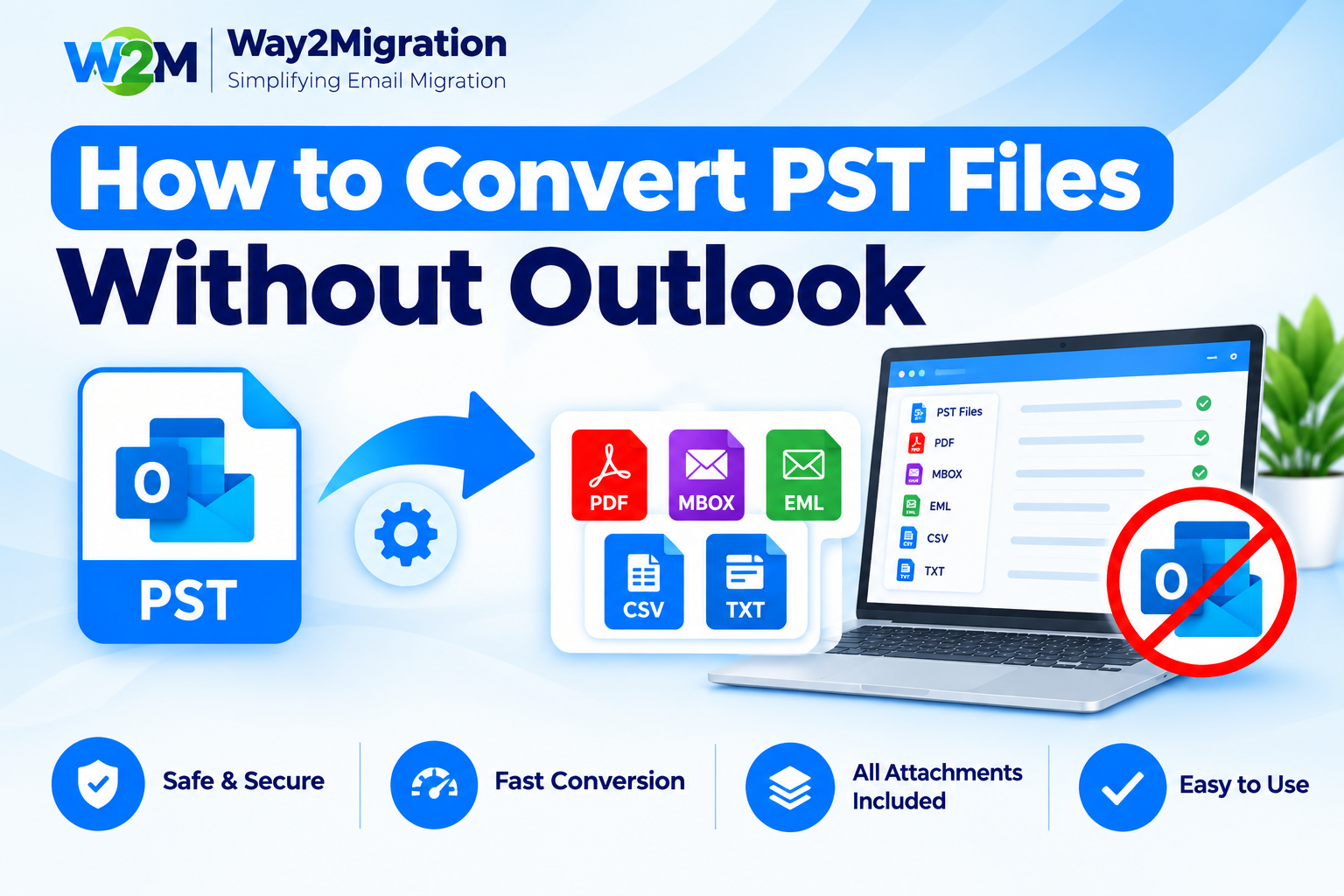
PST files are commonly used to store Outlook emails, contacts, calendars, tasks, and other mailbox data. Microsoft describes PST as an Outlook Personal Folders file that can contain a hierarchy of folders, messages, and attachments.
But what if you have a PST file and Microsoft Outlook is not installed on your computer? Can you still access, convert, or export the data?
Yes. You can use a dedicated PST conversion tool to Convert PST without Outlook. This can be useful when Outlook is unavailable, the PST file belongs to an old mailbox, or you need to migrate PST data to another email platform or file format.
In this guide, we will explain how to convert PST files without Outlook, how to open PST files, and what to consider before starting the conversion.
What Is a PST File?
A PST, or Personal Storage Table, is an Outlook data file used to store mailbox information locally. Depending on how Outlook is configured, PST files can contain emails, attachments, contacts, calendars, tasks, notes, and other Outlook items.
PST files are often created for:
- Email backup
- Archiving older emails
- Moving mailbox data between computers
- Migrating email information
- Storing Outlook mailbox data locally
Microsoft also notes that PST files can be used to export or back up email, contacts, and calendar information.
Why Convert PST Files Without Outlook?
Normally, Outlook provides built-in options for opening and importing PST files. However, there are situations where Outlook may not be available or convenient.
For example:
- Outlook is not installed on the computer.
- You have an old PST file but no longer use Outlook.
- You want to migrate PST data to another email service.
- You need to convert multiple PST files.
- You want to extract emails and attachments from PST.
- You want to save PST data in another format.
In these situations, a PST converter without Outlook can provide a more convenient way to access and convert mailbox data.
How to Convert PST Without Outlook
If Outlook is unavailable, the simplest approach is to use a professional PST conversion tool that can independently read the PST file.
Step 1: Locate Your PST File
First, find the PST file on your computer. PST files are commonly stored in the Outlook Files folder, although their location can vary depending on the Outlook version and setup.
Make sure you have access to the complete PST file before starting the conversion.
Step 2: Choose a PST Converter
Select a reliable PST converter that supports conversion without requiring Microsoft Outlook to be installed.
A suitable tool should be capable of reading PST mailbox data and providing options for saving or migrating the extracted information.
Step 3: Add the PST File
Launch the converter and select the PST file you want to process. If you have multiple PST files, look for a tool that supports batch processing.
The software should scan the file and display available mailbox folders such as Inbox, Sent Items, Drafts, Contacts, and other folders.
Step 4: Preview the PST Data
Before conversion, preview the mailbox contents. This helps you verify that emails, folders, attachments, and other required information are available.
Previewing the data is particularly useful when working with large or old PST files.
Step 5: Select the Required Output Format
Depending on your migration requirements, choose the appropriate output format or destination.
For example, you may need to export emails into commonly supported formats or migrate PST data to another email platform. The correct format depends on where you want to use the converted data.
Step 6: Start the Conversion
After selecting the required folders and output settings, start the conversion process. Once completed, verify the converted files and check important emails and attachments.
Can You Open PST Without Outlook?
Yes, but there is an important distinction.
Microsoft’s current documentation shows that PST files can be opened through Outlook, including supported versions of new Outlook. However, opening PST files in new Outlook currently has requirements such as having classic Outlook installed and matching 32-bit or 64-bit architecture.
If you do not have Outlook available, a third-party PST viewer or converter can be used to Open PST without Outlook and access the mailbox data.
This can be useful when you only have the PST file and don’t want to install or configure Outlook just to access its contents.
How to Export PST Without Outlook?
To Export PST without Outlook, you need a PST conversion application capable of reading the PST file independently.
The general process is:
- Install and launch the PST converter.
- Add the required PST file.
- Scan and preview mailbox folders.
- Select emails or folders for export.
- Choose the required output format or destination.
- Start the export process.
- Verify the exported mailbox data.
This approach can save time when Outlook is unavailable and you need to work directly with an existing PST file.
PST Converter Without Outlook: What to Look For
Before selecting a PST converter without Outlook, consider the following features:
- Support for different PST file sizes
- Email and attachment extraction
- Folder structure preservation
- Preview functionality
- Batch PST conversion
- Multiple export options
- Data integrity during conversion
- Simple and user-friendly interface
It is also recommended to keep a backup copy of the original PST file before starting any conversion.
Frequently Asked Questions
Can I convert PST files without installing Outlook?
Yes. A dedicated PST conversion tool can read and convert PST files without requiring you to use Outlook for the conversion process.
How can I open a PST file without Outlook?
You can use a PST viewer or converter that supports independent PST file access. This allows you to view mailbox data without relying on the Outlook application.
Can I export emails from PST without Outlook?
Yes. A PST converter can extract emails and attachments from a PST file and save them in supported output formats, depending on the software you use.
Is a PST file the same as an OST file?
No. PST and OST serve different purposes. PST files are commonly used for local storage, backups, and exports, while OST files are generally associated with synchronized offline mailbox data. Microsoft identifies OST as an offline copy of mailbox information stored on the server.
Conclusion
You don’t always need Microsoft Outlook to work with an existing PST file. With the right conversion software, you can Convert PST without Outlook, view mailbox contents, extract emails and attachments, and export PST data according to your migration requirements.
If you are looking for a convenient way to process PST files without configuring Outlook, a dedicated PST conversion solution such as Way2Migration can help simplify the process and make PST migration easier.


